Best Free Porn Blocker: What Actually Holds Up
What a Blocker Is Actually For
A blocker is not a cure and anyone selling it as one is lying to you. What it does is smaller and more useful: it inserts friction between the impulse and the screen.
That is the whole mechanism. An urge peaks and falls over a few minutes. If reaching the material takes ten seconds, the urge wins most nights. If it takes ten minutes of deliberately dismantling something, the urge is usually gone before you finish. You are not building an unbreakable wall, you are buying time against a wave that passes on its own.
Which means the test of a blocker is not whether a determined person can beat it. Everyone can beat all of them. The test is whether it stops the automatic, half-asleep version of you at 1am.
The Four Levels, From Weakest to Strongest
Understanding these matters more than any brand name, because most people install the weakest one and conclude blockers do not work.
Browser extension. Free, instant, and the easiest to remove. Fine as a speed bump, useless as a barrier. Two clicks in the extensions menu and it is gone.
Device level app. On iOS, Screen Time content restrictions with a passcode you do not know. On Android, an app with device administrator or accessibility permissions. Much stronger, especially if someone else holds the passcode.
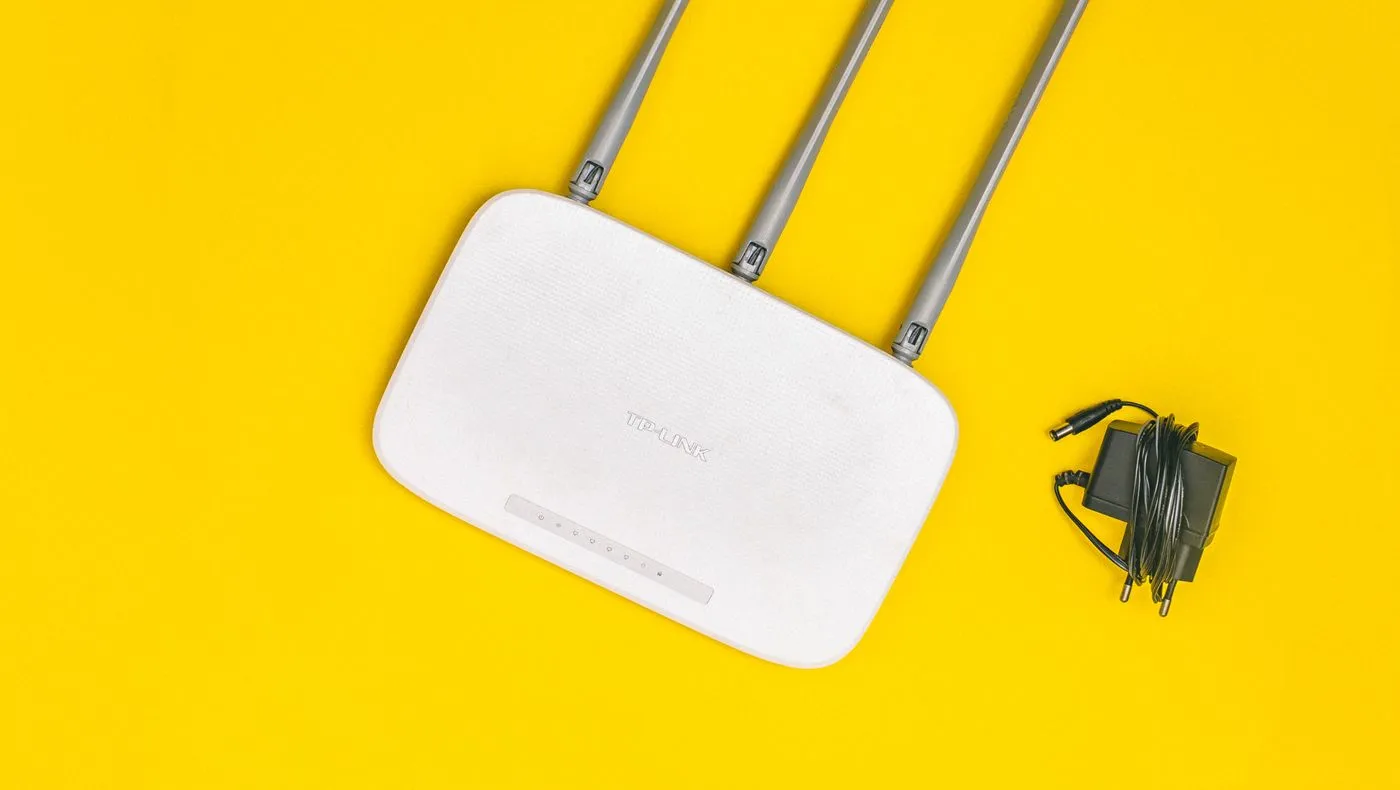
Network level, at the router or DNS. This is the one most people skip and the one that changes things. Point your router at a filtering DNS service and every device in the house is covered at once, including the ones you forgot: the tablet, the console, the smart TV, the work laptop when it is on your wifi.
Accountability software. A different category, since it reports rather than blocks. Covered in the Covenant Eyes comparison.
The honest recommendation for anyone serious: DNS filtering plus the built-in device restrictions, with the password held by someone else. That combination is free, takes twenty minutes, and beats any paid app you install alone.
The Free Options That Actually Work
DNS filtering services. Several run free tiers that block adult content across your whole network. You change two numbers in your router settings and you are done. Some offer per-device profiles on the free tier and some do not, and the paid tiers mostly add reporting and finer categories rather than better blocking.
iOS Screen Time. Built in, free, genuinely effective when set up properly. Content and Privacy Restrictions, limit adult websites, then set a Screen Time passcode that is not your unlock code. Have someone else type the passcode and not tell you. That last step is what turns it from a suggestion into a barrier.
Android Family Link and Digital Wellbeing. Family Link is intended for children's devices, which is exactly why it works here: the controls are held by another account. Some people find that framing uncomfortable, which is a fair reaction and not a technical objection.
Browser extensions. Free and everywhere. Use them as the last layer rather than the first, because they are trivially removable.
Router firmware. Many consumer routers have basic parental controls built in and unused. Worth ten minutes in the admin panel before installing anything.

What Free Does Not Buy You
Being straight about the limits, since this is where people get frustrated and give up.
Free tiers usually skip: per-device rules, time-based schedules, detailed reports, protection when you leave your own network, and tamper resistance that survives a factory reset. If you are technical, you already know none of this stops you. That is the point of the accountability partner: the barrier is not the software, it is the fact that someone else holds the key and will notice.
Two more limits worth knowing. Filtering DNS can be bypassed by switching to a different DNS in seconds, unless you also block outbound DNS at the router. And a phone on mobile data is not on your wifi, which is why device-level restrictions matter alongside network-level ones.
Why Most People's Blocker Fails in Week Two
Four failure modes, and all of them are about the setup rather than the software.
You held your own password. The single most common one. At 1am you are not the person who installed it, and that person will type the password without much of an argument.
You only covered one device. The laptop is blocked and the phone is not, or the phone is blocked and the tablet in the drawer is not. Coverage has to be total or the traffic just moves.
You left yourself a legitimate-sounding exception. A browser you use for work, incognito, a second profile. Every exception becomes the route.
You treated it as the plan. The filter is a wall around an empty room. If nothing changed about the hour, the boredom or the sleep, you spend the month fighting the wall instead of the habit.
The fix for all four is the same twenty minutes of setup done properly, once, with someone else holding the key.
If You Live With Other People
Two situations that come up constantly and rarely get addressed.
A partner who does not know. Network-level filtering affects their devices too, and quietly restricting someone else's internet is a bad way for this conversation to start. Either tell them, which usually goes better than people expect, or keep it at device level on your own hardware.
Kids in the house. The framing gets much easier here, because family filtering is a normal thing to set up and nobody needs a second explanation for why the router filters adult content. That is a legitimate cover, and it is also just true.
Housemates. Router-level changes affect everyone on the wifi. Device level is the polite option unless you own the network and nobody else minds.
| Level | Strength | Covers | Cost |
|---|---|---|---|
| Browser extension | Weak, two clicks to remove | One browser | Free |
| Device restrictions | Strong with a passcode you do not hold | That device, including mobile data | Free |
| Router or DNS filtering | Strong, covers what you forgot | Every device on the wifi | Free tier |
| Accountability software | Reports rather than blocks | Whatever it monitors | Paid |
The Setup That Actually Holds
In order, and none of it costs money:
- Filtering DNS on the router. Covers the whole house, including devices you forgot.
- Device restrictions on every phone and tablet, with a passcode you do not know. This covers mobile data, which the router cannot.
- The passcode goes to someone else. A partner, a friend, a sibling. This is the step people skip and it is the one that makes the rest work.
- A browser extension as the outer layer on any machine you use daily.
- The work device too. Whatever you leave uncovered is what gets used, and the work one carries consequences the others do not.
- Then forget about it. A blocker you check on and adjust weekly is a blocker you are negotiating with.
Set this up during the day, calmly, not in the middle of the night after a bad evening. Every hour spent on the setup beats an hour of resolve.
Blocking Is Not the Whole Plan
Filters address access. They do nothing about why you were reaching for it, which is usually boredom, stress, loneliness or an unstructured hour. Someone who blocks everything and changes nothing else typically spends a month fighting their own router and then gives up.
The rest of it, the trigger work and the replacement, is in how to quit porn, and if you have already failed several serious attempts, the treatment side matters more than any filter.
Also worth tracking what the blocker is buying you. A visible day count next to the barrier is what turns a night you survived into evidence you can see.
FAQ
What is the best free porn blocker?
For most people it is a combination rather than a product: filtering DNS on the router for the whole network, plus the built-in device restrictions on each phone with the passcode held by somebody else. Free, effective, and stronger than most paid apps installed alone.
Can porn blockers be bypassed?
All of them, by anyone who wants to badly enough. That is not the failure people think it is. The purpose is to add ten minutes of friction, and most urges do not survive ten minutes.
Is a free blocker enough?
For the barrier itself, usually yes. Paid tiers mostly add reporting, scheduling and per-device rules. What actually decides whether it holds is whether someone else has the password, and that is free.
Do blockers work on mobile data?
Router-level filtering does not, because the phone is not on your network. That is why device-level restrictions matter alongside it, and it is the most common gap in an otherwise good setup.
How long should I keep it installed?
Longer than you think you need it. The common pattern is removing the filter at two or three months because the urges have quietened, and reinstalling it a month later. It costs nothing to leave in place, so leave it.
Should I tell someone I am using one?
Yes, and hand them the password. Every account of a setup that held over months has that step in it, and almost every setup that failed within weeks did not.
Ready to Start Your Journey?
Download Celibacy Tracker and start monitoring your progress today.